Skip to product information
1 of 106

Blerron Flex

Blerron Flex

Screen size Flex
Connection

In stock

Free & fast delivery
Order before 17.00 and your order will be shipped the same day. Free shipping on orders over €75.
Try 50 days risk-free
With less than 1% of customers asking for their money back.
Guarantee
2-year warranty and lifetime support, so you can work with peace of mind.
How to connect? Refurbished deals Business purchase

MacBook connection

All cables, adapter and driver are included

Flex Pro (Driver always needed):

  • 1x USB-C
  • 2x USB-C if you want to boost brightness

Install driver here. All cables are included and the driver is free to download.

Flex:

M1/M2/M3:

  • 1x USB-C + 1x adapter + one-time driver installation (different driver)

M1/M2/M3 Pro/Max or M4 and higher:

  • 2x USB-C (no driver)
  • 1x USB-C + 1x HDMI (no driver)

We recommend the Flex for best performance

Laptop fitting:

  • Flex / Flex Pro - 14" : 13" - 17.3"
  • Flex / Flex Pro - 15.3" : 15" - 17.3"

Questions? Contact us here.

Windows connection

All cables, adapter and driver are included

Flex Pro (Driver always needed):

  • 1x USB-C
  • 1x USB-C + 1x USB-C/A if you want to boost brightness
  • 2x USB-A

Flex:

IMPORTANT: Laptop needs at least 1 USB-C port that supports video and power output (Thunderbolt 3/4, DisplayPort Alt Mode, USB4).

Check the port specifications of your laptop here.

No USB-C port that supports video and power? Choose Blerron Flex Pro.

Connection:

  • 2x USB-C (both support video and power)
  • 1x USB-C + 1x HDMI (USB-C port supports video and power)

All cables are included.

We recommend the Flex Pro for best performance

Laptop fitting:

  • Flex / Flex Pro - 14" : 13" - 17.3"
  • Flex / Flex Pro - 15.3" : 15" - 17.3"

Questions? Contact us here.

Chrome OS, Linux, Surface connection

Chrome OS:

Not possible to connect the Blerron Flex Pro. The driver is not compatible.

It is possible to connect the Blerron Flex. Check connection options here.

Linux

Blerron Flex and Flex Pro are compatible. Make sure to connect the options here.

Surface:

Yes it's possible to connect the Blerron Flex with your Surface. If your Surface is smaller than 14", you can have the Flex Pro stand on it's own and you don't have to attach it to the Surface.

Most cases it's only possible to connect the Flex Pro.

Make sure to connect the options here.

What is the difference between the Flex and Flex Pro?

Flex Pro

  • Connects to your laptop with 1 USB-C cable
  • Works via a Silicon Motion driver — required for both screens
  • Compatible with virtually any USB-C or USB-A port — no special port required
  • An extra cable may be needed for maximum brightness or additional power

Flex

  • Connects via USB-C + HDMI — at least 2 cables required
  • Requires a USB-C port with video output (Thunderbolt or DisplayPort Alt Mode) — look for the ⚡ or DP symbol on your port
  • No driver needed — plug and play via direct video signal

Which one should you choose?

MacBook → Flex

The Flex connects via USB-C + HDMI and works without a driver — giving you a native, smooth connection. This means no driver installation required and the best possible screen performance on macOS.

Windows → Flex Pro

The Flex Pro uses a Silicon Motion driver that is fully optimized for Windows. Connect both screens with just 1 USB-C cable — the cleanest and most plug-and-play setup available. Works with virtually any laptop, regardless of port type.

Shipping & Returns

Shipping Policy

Orders are processed within 1 business day.

- NL / BE: Ordered before: 17.00 on business days, delivered tomorrow (Mon–Fri).

- EU: 2–5 business days.

- Worldwide: 5–10 business days.

We don’t deliver on Sundays.

You’ll receive tracking details once your order has shipped.

Return & Refund Policy

You can return your order within 50 days of delivery. Once we receive your return, we’ll refund your payment within 14 days.

For returns, please contact us.

Guarantee

2-year warranty for complete peace of mind.

Payment Methods

Klarna, PayPal, Visa, Mastercard, American Express, Maestro, Apple Pay, Google Pay, iDEAL, Bancontact

Personal Support

Need help or have a question? We’re here for you.

Click here to get in touch. Feel free to contact us via email, WhatsApp, or the chat in the bottom right.

View full details

1600+ stopped switching hundreds of times

BLERRON FLEX

The world's lightest portable monitor system

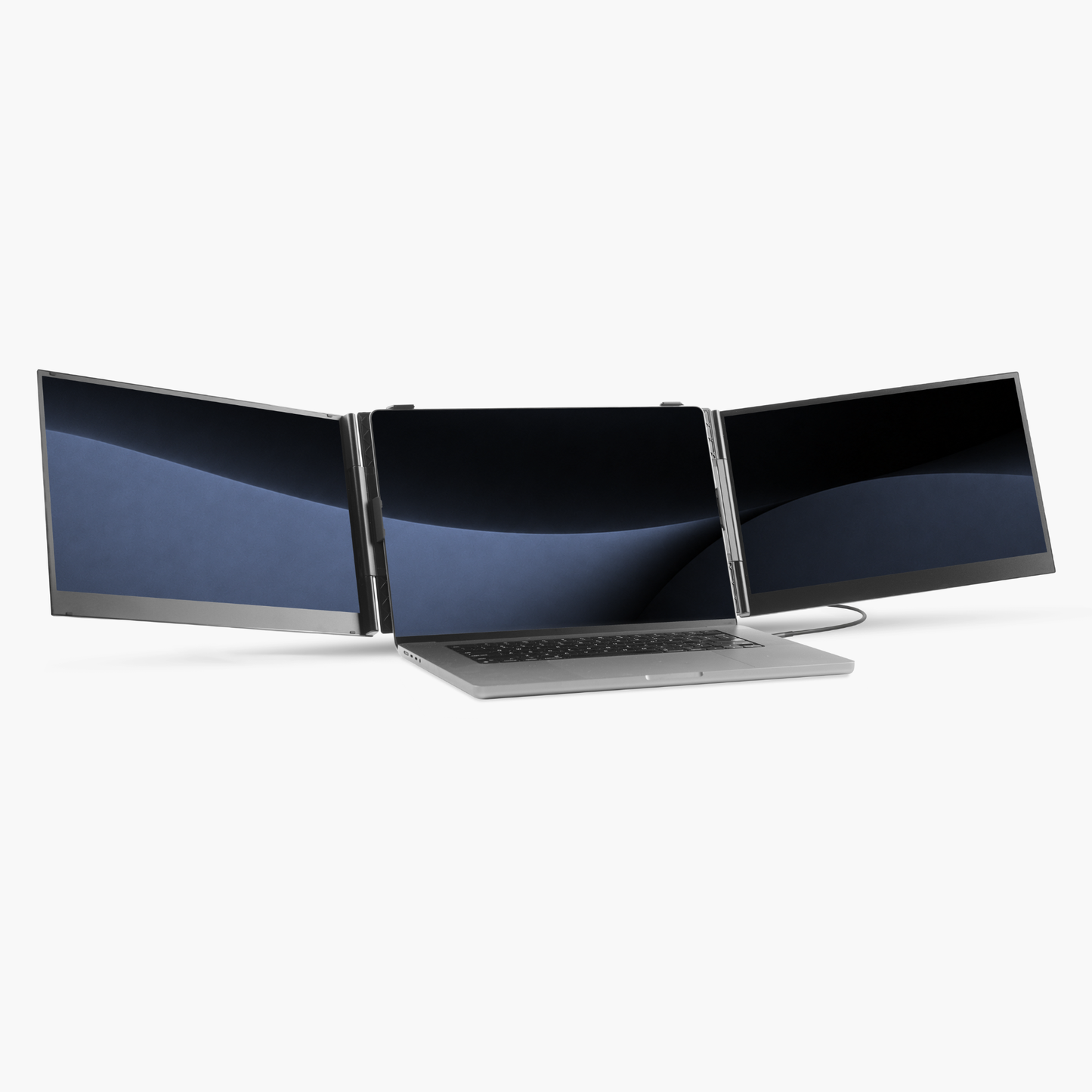
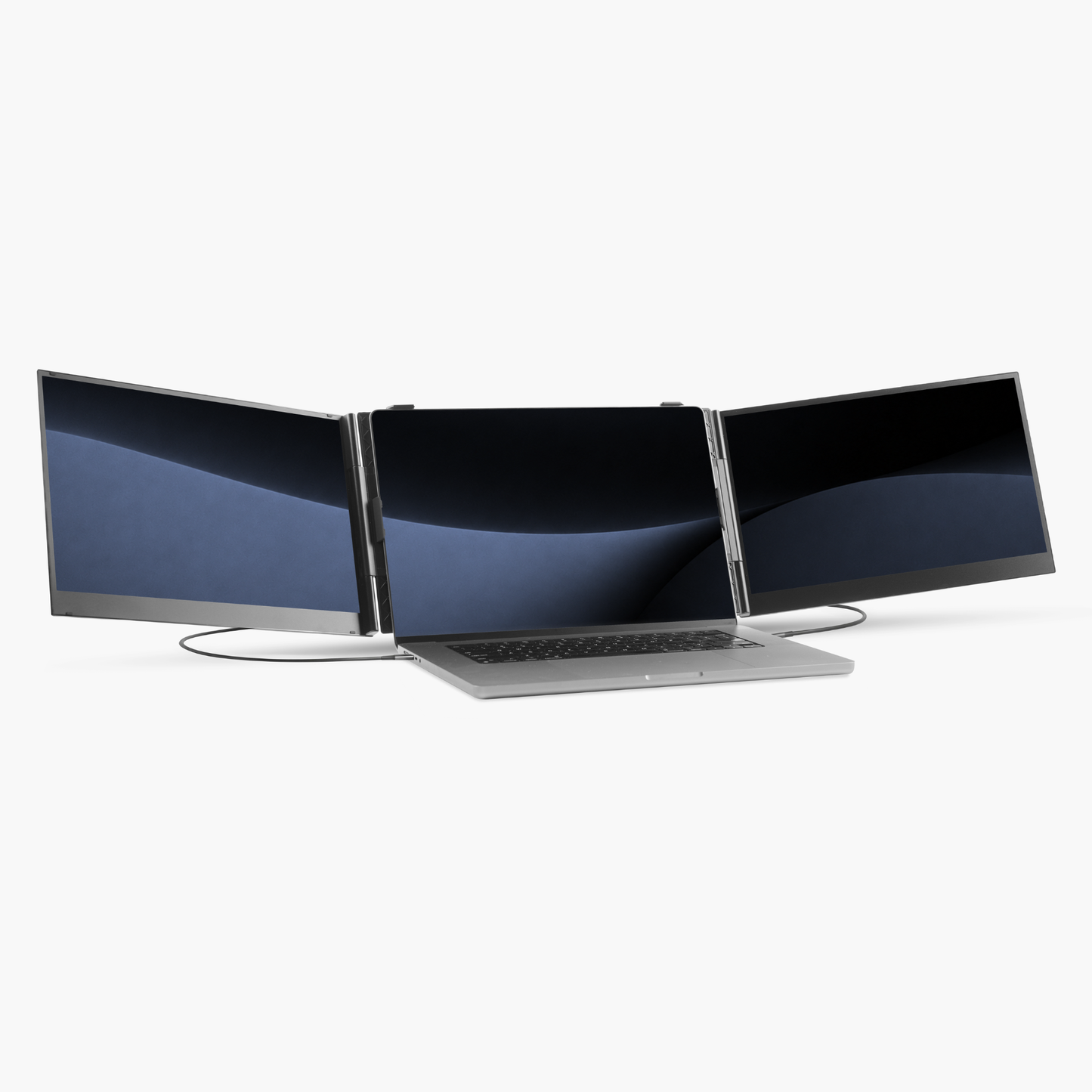
Add two extra screens to your laptop, so you can work as organized anywhere as you would in an office.

Lightweight

Only 1 kilogram

Compact

Foldable to small package

Easy to connect

Just 1 cable, 3 screens

Lightweight

Only 1 kilogram

Compact

Foldable to small package

Easy to connect

Just 1 cable, 3 screens

Meet the Blerron Flex

Why professionals choose Blerron

Blerron Flex Pro Refurbished draagbare monitor - vooraanzicht

Blerron Flex

VS

Laptop with three external monitors on a white background

Others

Just 1 KG

Extremely lightweight

2.5+ KG

99%

Laptop compatibility

50%

Fits 13"-17.3"

Wide laptop range

Fits 14"-15.6"

300 nits

Brightness

250 nits

Aluminium alloy

Anti-scratch

Cheap plastic

Fast, personal and honest

Customer service

Slow or not there

Your workstation anywhere

multicolumns-item-image-1

A complete setup, anywhere

Extremely compact and lightweight so you can take a complete workspace anywhere.

multicolumns-item-image-2

Focus friendly

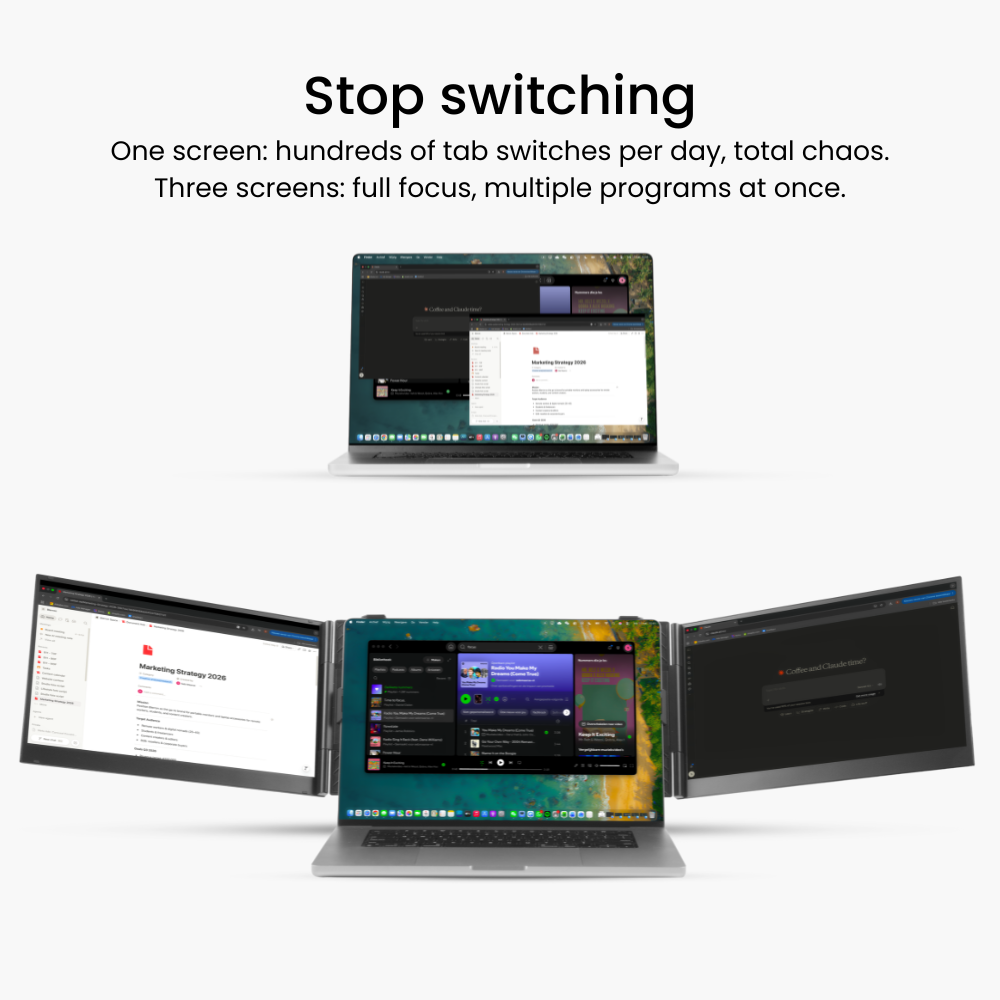
Keep everything open and within reach. No interruptions, no constant switching.

multicolumns-item-image-3

Easy to use

Unfold, connect just 1 cable and you're ready to go

multicolumns-item-image-1

A complete setup, anywhere

Extremely compact and lightweight so you can take a complete workspace anywhere.

multicolumns-item-image-2

Focus friendly

Keep everything open and within reach. No interruptions, no constant switching.

multicolumns-item-image-3

Easy to use

Unfold, connect just 1 cable and you're ready to go

Use it your way

multicolumns-item-image-1

Desktop

Three screens. One seamless workspace.

multicolumns-item-image-2

Document

Vertical screen. More overview for documents and code.

multicolumns-item-image-1

Desktop

Three screens. One seamless workspace.

multicolumns-item-image-2

Document

Vertical screen. More overview for documents and code.

Cutting edge connectivity

Unfold, connect with 1 cable, and start working in seconds.

MacBook
Windows
Chromebook, Linux, Surface

Sharp image

1920x1080

Brightness

300 Nits

Refresh rate

60 Hz

Colorful

16.7 Million different colors

Aspect ratio

16:9

Lightweight

1 Kilogram

Sharp image

1920x1080

Brightness

300 Nits

Refresh rate

60 Hz

Colorful

16.7 Million different colors

Aspect ratio

16:9

Lightweight

1 Kilogram

Work in comfort.

Day or night.

Switch to eye care mode to reduce eye strain and work more comfortably for longer periods.

Built for everyday use

multicolumns-item-image-1

Compact

A foldable design so light and slim, you'll barely notice it's there.

multicolumns-item-image-2

Tailored protection

Designed to protect your setup wherever you go.

multicolumns-item-image-3

Universal fit

Compatible with 13" to 17.3" laptops.

multicolumns-item-image-4

Stable and secure

Reinforced by strong hinges and a support stand to protect your laptop.

multicolumns-item-image-5

High quality materials

Scratch-resistant aluminum alloy with high-quality carbon-style finish

multicolumns-item-image-1

Compact

A foldable design so light and slim, you'll barely notice it's there.

multicolumns-item-image-2

Tailored protection

Designed to protect your setup wherever you go.

multicolumns-item-image-3

Universal fit

Compatible with 13" to 17.3" laptops.

multicolumns-item-image-4

Stable and secure

Reinforced by strong hinges and a support stand to protect your laptop.

multicolumns-item-image-5

High quality materials

Scratch-resistant aluminum alloy with high-quality carbon-style finish

Try it 50-days risk free

Customer Reviews

Overall rating: 4.8 / 5 from 84 reviews.

Customer photo review of Blerron Flex

Dit is een van die producten waarvan je op voorhand denkt deze niet nodig te hebben, maar waarvan je na aanschaf je afvraagt hoe je ooit zonder hebt gedaan. Schuif de schermen over je laptopscherm, plug de kabeltjes in, en de installatie is klaar. Geniet van 2 extra schermen die naadloos in elkaar over gaan. Naast de schermen wordt een beschermhoes bijgeleverd, voor transport in de laptoptas. De schermen zijn dun en vouwen samen, waardoor ze niet veel ruimte innemen. Bezorging was uitstekend en de uitpakervaring was ook goed. Al met al zeer aan te raden voor laptopgebruikers die behoefte hebben aan uitbreiding van hun schermruimte.

Blerron Flex

Customer photo review of Blerron Flex

Mooi product, makkelijk aan te sluiten en op te zetten. Licht maar wel voorzichtig mee omgaan. Downloaden van de drivers was niet makkelijk te vinden op de website. Je moest echt de link gebruiken in de gebruiksaanwijzing. Driver instaleren is makkelijk. Ook met een laptopstandaard past het goed. Scheelt dat het zo licht is.

Blerron Flex

Customer photo review of Blerron Flex

Fantastisch product, eenvoudig aan te sluiten en werken maar!

Blerron Flex

Customer photo review of Blerron Flex

Geweldig! Kan er aardig mee multitasken. Voor een vaste opzet voor op mijn bureau, ga ik een plaat maken, waar ik hem erop klem, zodat ik de laptop er gewoon voor kan zetten. Gewoon voor gemak en uiteraard om weer eens iets te maken met mijn 3d printer... van mij krijg je een 10+.

Blerron Flex

Customer photo review of Blerron Flex

Mooie schermen, super dun en licht. Goed verpakt en snel geleverd. Past prima op mijn oude Acer!

Blerron Flex

Customer photo review of Blerron Flex

Simpel te verbinden. Werkte direct. Goede kwaliteit en zeer goede en luxueuze verpakking. Ik had even de FAQ nodig om de weergave per scherm in te stellen, maar ook dat verliep soepel.

Blerron Flex

Customer photo review of Blerron Flex

Lange tijd gezocht naar een uitbreiding van schermen die ook makkelijk mee te dragen zijn. De Blerron Flex weegt bijna niets en zorgt voor dé uitbreiding van je werkplek. Super handig!

Blerron Flex

Customer photo review of Blerron Flex - 15.3"

Super fijn om van het ene scherm naar het andere te gaan zonder je ogen te moeten uitkijken.

Blerron Flex - 15.3"

Customer photo review of Blerron Flex - 15.3"

Inmiddels alles geïnstalleerd en gekoppeld aan mijn laptop. Het ziet er geweldig uit en…het werkt ook heel mooi.

Blerron Flex - 15.3"

Customer photo review of Blerron Flex - 15.3"

leuk design, een beetje zoeken om de schermen juist te positioneren en tevens het geluid juist te zetten, maar het werkt en het systeem is erg licht. De lichte structuur maakt het wat broos in mijn aanvoelen als ik het veel ga verhuizen van werkplek.

Blerron Flex - 15.3"

Customer photo review of Blerron Flex - 15.3"

Zeer gemakkelijk te installeren en gemakkelijk in gebruik met 1 kabel.

Blerron Flex - 15.3"

Customer photo review of Blerron Flex - 14"

Erg goed systeem, zit kwalitatief goed in elkaar en allemaal mooi verpakt. Instellen was even uitzoeken omdat de meeste laptops 2 schermen in totaal herkennen en geen 3 maar dat was mt de hulp via de Chat van Blerron zo opgelost (en als je iets van ICT weet dan kun je het ook zelf denk ik). Maar allemaal prima en wachten meer dan waard !

Blerron Flex - 14"

Customer photo review of Blerron Flex - 14"

Het was even wat uitzoek werk net de juiste driver. Maar nu het werkt is het fantastisch

Blerron Flex - 14"

Customer photo review of Blerron Flex - 15.3"

De schermen werken perfect! Het werken met drie schermen is zo geregeld, het instellen gaat echt heel simpel, en ik ben echt geen whizzkid. Het enige waar ik niet aan uitkom is de laptopstandaard. Ondanks een filmpje en extra uitleg lukt het me niet om ‘m te gebruiken.

Blerron Flex - 15.3"

Customer photo review of Blerron Flex Pro (1 cable)

een beetje zoeken voor installatie , was niet meteen mee dat flashdrive een driver bezat maar eens dit gedaan was het heel gemakkelijk kabel plaatsen van scherm naar laptop en klaar

Blerron Flex Pro (1 cable)

Customer photo review of Blerron Flex - 14"

top product, heel erg blij mee. Werkt super efficiënt. Advies is wel om gewoon de Pro te kiezen. Voor die paar centen extra heb je het wel beter voor elkaar. Niet te veel kabeltjes en werkt nog sneller en makkelijker. Bij mij werkte trouwens de standaard niet. Was toch een probleem met de plug-in.

Blerron Flex - 14"

Customer photo review of Blerron Flex - 14"

Super service en echt binnen 48 uur geleverd!

Blerron Flex - 14"

Customer photo review of Blerron Flex

Super handig. Je kunt alles overzichtelijk zien en bewerken tterwijl je andere schermen voor research kan gebruiken.

Blerron Flex

Customer photo review of Early access deal: Blerron Flex

Wat een prachtige setup! Zo stevig en zo simpel en licht. De kwaliteit van de schermen is hartstikke goed, het werkt super simpel en snel. Ik ben fantastisch geholpen door blerron en ben onwijs blij met mijn schermen. Bedankt!

Early access deal: Blerron Flex

De aansluiting met AI kunnen doen en alles werkt prima

Blerron Flex

Topproduct, installatie goed omschreven, zeer snel in gebruik.

Blerron Flex

Snelle service, goede kwaliteit, proffesionele opvolging van de order, levering en installatie. Voortaan kan ik mijn home-office eender waar installeren. Zelfs op een terrasje met de zon in mijn wijntje. Had ik veel eerder moeten aankopen.

Blerron Flex

Geen gesjouw meer met beeldschermen, echt ideaal. Hebben er nu twee en bevalt prima.

Blerron Flex

Correct advies en vlotte levering

Blerron Flex

Heel makkelijk aan te sluiten en de driver was ook in een oogwenk geïnstalleerd. Licht van gewicht maar zeker geen gammele constructie. Keurige verpakking en alle nodige kabels zijn mee geleverd. Bijna plug and play!

Blerron Flex

Uitleg is duidelijk en snel, werkt super.

Blerron Flex

Na enige aanloopproblemen met de installatie werk ik nu ongeveer een week met drie schermen. Ik zou ze niet meer willen missen. Inmiddels ingesteld zoals ik ze graag wil hebben. Met de aansluitingsproblemen heeft de klantenservice mij snel en goed geholpen.

Blerron Flex

Het is een fijne oplossing voor on the go. Niet te groot niet te klein

Blerron Flex

vlotte levering, goeie beveiligde verpakking, top product, handig en snel te installeren, zeker aan te bevelen!

Blerron Flex

Vlot en in goede orde ontvangen. Ondanks de filmpjes was het nog wel puzzelen om alles geïnstalleerd te krijgen. Maar het werkt. En het is fijn werken zo.

Blerron Flex

Prachtig product, lichtgewicht en heel eenvoudig aan te sluiten. ik heb twee versies gekocht 1x de 14" Flex (aan te sluiten op een MacBook) en 1x de 15" Flex Pro (aan te sluiten op een Windows Laptop). In beide gevallen SUPER! Een ECHTE AANRADER!

Blerron Flex

De muis werkt niet handig over de schermen heen, langzaam en in volgorde onlogisch

Blerron Flex

Top oplossing

Blerron Flex

Ik had gekozen voor de flex omdat deze geen installatie van een driver nodig had. Echter, nu kom ik er achter dat de flex 2 kabels nodig heeft. Daardoor kan ik niet twee schermen gebruiken en tegelijkertijd mijn laptop opladen. Heel onhandig. Kan ik mijn flex (met bijbetaling uiteraard) ruilen voor een flex pro. Mits die laatste bovengenoemd probleem niet heeft uiteraard.

Blerron Flex

Werkte gelijk nadat ik van mijn IT afdeling goedkeuring kreeg voor het installeren van de driver. Op mijn privé Surface werkt hij gelijk en dankzij de ondersteuningstandaard ook met de tablet bruikbaar.

Blerron Flex

de resolutie zouden best die van met moederscherm evenaren (3840x2160) ipv 1920x1080, dat moet toch kunnen? Nu breid je het beeld uit, maar wordt de resolutie kleiner. Vooral voor programma's waarbij de vensters over verschillende schermen heen gaan (waarvoor ik het kocht) is het niet heel handig. De oplossing: alles op 1920x1080 zetten, maar dan gaat een groot stuk van het voordeel van 3 schermen verloren natuurlijk. Jammer dat daar geen rekening mee werd gehouden.

Blerron Flex

Goed verpakt, heldere schermen, eenvoudige installatie. Makkelijk mee te nemen. Een aanrader die schermen nodig hebben.

Blerron Flex

How to connect the Flex or Flex Pro

Connection possibilities

Best performance for MacBooks, choose Blerron Flex versions
Why? Driver performance is lower with MacBooks. Slight delay when moving things fast.

Flex Pro
Compatible with all MacBooks from 2017 onwards — Intel, M1, M2, M3, M4, M5 (including Pro, Max and Ultra variants)

Driver installation necessary (free to download)!

1x USB-C

  • Both screens work - Brightness 40%

2x USB-C

  • Both screens work - Brightness 100% - Better performance
  • Use external power source if you want to keep an USB-C port open

Flex
Compatible with all MacBooks from 2017 onwards — Intel, M1, M2, M3, M4, M5 (including Pro, Max and Ultra variants)

M1/M2/M3 (not Pro, Max or Ultra variants)

Driver installation necessary (free to download), check steps in manual

1x USB-C + 1x H5 adapter

  • Both screens work - Brightness 40%

2x USB-C + 1x H5 adapter

  • Both screens work - Brightness 100%
  • Use external power source if you want to keep an USB-C port open

M1/M2/M3 (Pro, Max or Ultra variants) and M4/M5 (Pro, Max or Ultra variants) So not the normal M1/M2/M3 variants!

No driver installation needed!

2x USB-C

  • Both screens work - Brightness 100%
  • Use external power source if you want to keep an USB-C port open

1x USB-C + 1x HDMI

  • Both screens work - Brightness 40%

Connection possibilities

Best performance for Windows laptops, choose Blerron Flex Pro versions

Driver installation necessary!

Flex Pro
Compatible with all Windows 10/11 laptops with at least 1 USB-A port.

1x USB-C

  • Both screens work - Brightness 40%

Only the following ports support enough power to make both screens work through 1x USB-C port:

  • Thunderbolt 3/4
  • USB-C PD
  • USB4

2x USB-C

  • Both screens work - Brightness 100%

1x USB-C + 1x USB-A

  • Both screens work - Brightness 100%

2x USB-A

  • Both screens work - Brightness 100%

1x USB-C + external power source

  • Both screens work - Brightness 100%

1x USB-A + external power source

  • Both screens work - Brightness 100%

Flex
Compatible with laptops that have at least 1 USB-C port that supports video and power. Check below

USB-C ports that support video + power (always check specifications of your laptop):

  • Thunderbolt 3/4/5
  • USB-C with DisplayPort Alt Mode
  • USB4

2x USB-C (both support video & power)

  • Both screens work - Brightness 100%

1x USB-C (supports video & power) + 1x HDMI

  • Both screens work - Brightness 40%

1x USB-C (supports video & power) + 1x HDMI + USB-C/USB-A

  • Both screens work - Brightness 100%
  • Use extra port or external power source

Connection possibilities

Not possible to connect the Flex versions. Only possible to connect the Flex Pro versions.

At least 1x USB-C port needed

Flex Pro
1x USB-C

  • Both screens work - 40% Brightness

1x USB-C + external power source

  • Both screens work - Brightness 100%

Connection possibilities

Not possible to connect the Flex Pro versions. Driver doesn't work with Chrome OS.

Flex

Chromebook needs at least 1x HDMI and 1x USB-C port that supports video and power or 2x USB-C that supports video and power

USB-C ports that support video + power (always check specifications of your laptop):

  • Thunderbolt 3/4/5
  • USB-C with DisplayPort Alt Mode
  • USB4

2x USB-C (both support video & power)

  • Both screens work - 100% brightness

1x USB-C (supports video + power) + 1x HDMI

  • Both screens work - 40% brightness
  • Add additional cable for 100% brightness

Connection possibilities

Best performance for Linux laptops, choose Blerron Flex Pro versions

Flex Pro
Compatible with all Linux OS laptops with at least 1 USB-A port.

Driver installation necessary! Check specific Linux driver at the bottom of the Silicon Motion driver page.

1x USB-C

  • Both screens work - Brightness 40%

Only the following ports support enough power to make both screens work through 1x USB-C port:

  • Thunderbolt 3/4
  • USB-C PD
  • USB4

2x USB-C

  • Both screens work - Brightness 100%

1x USB-C + 1x USB-A

  • Both screens work - Brightness 100%

2x USB-A

  • Both screens work - Brightness 100%

1x USB-C + external power source

  • Both screens work - Brightness 100%

1x USB-A + external power source

  • Both screens work - Brightness 100%

Flex
Compatible with laptops that have at least 1 USB-C port that supports video and power. Check below

USB-C ports that support video + power (always check specifications of your laptop):

  • Thunderbolt 3/4/5
  • USB-C with DisplayPort Alt Mode
  • USB4

2x USB-C (both support video & power)

  • Both screens work - Brightness 100%

1x USB-C (supports video & power) + 1x HDMI

  • Both screens work - Brightness 40%

1x USB-C (supports video & power) + 1x HDMI + USB-C/USB-A

  • Both screens work - Brightness 100%
  • Use extra port or external power source

Comparison

Blerron Flex Pro Refurbished draagbare monitor - vooraanzicht

Blerron Flex

Blerron Flex Pro Refurbished draagbare monitor - zijaanzicht

Blerron Flex Pro

1920 x 1080

Resolution

1920 x 1200

14"

Screens size

15.3"

1 KG

Weight

1.3 KG

76%

sRGB

100%

16:9

Aspect ratio

16:10

300 nits

Brightness

300 nits

60 Hz

Refresh rate

60 Hz

13" - 17.3"

Laptop fitting

15" - 17.3"

Flex

vs

Flex Pro

Sometimes

Driver

Always

2-3

Cables

1

Specifications

Specifications:

  • Resolution: 1920 x 1080
  • Displays size: 14" / Inch
  • Brightness: 300 cd/m (nits)
  • Refresh rate: 60Hz
  • Contrast ratio: 1000:1
  • Aspect ratio: 16:9
  • Colors: 16.7m
  • sRGB: 76%
  • Viewing angle: 178°
  • Screen type: LCD
  • Panel type: IPS
  • Built-in speaker
  • Ports:
  • Flex: 3x USB-C
  • Flex Pro: 2x USB-C
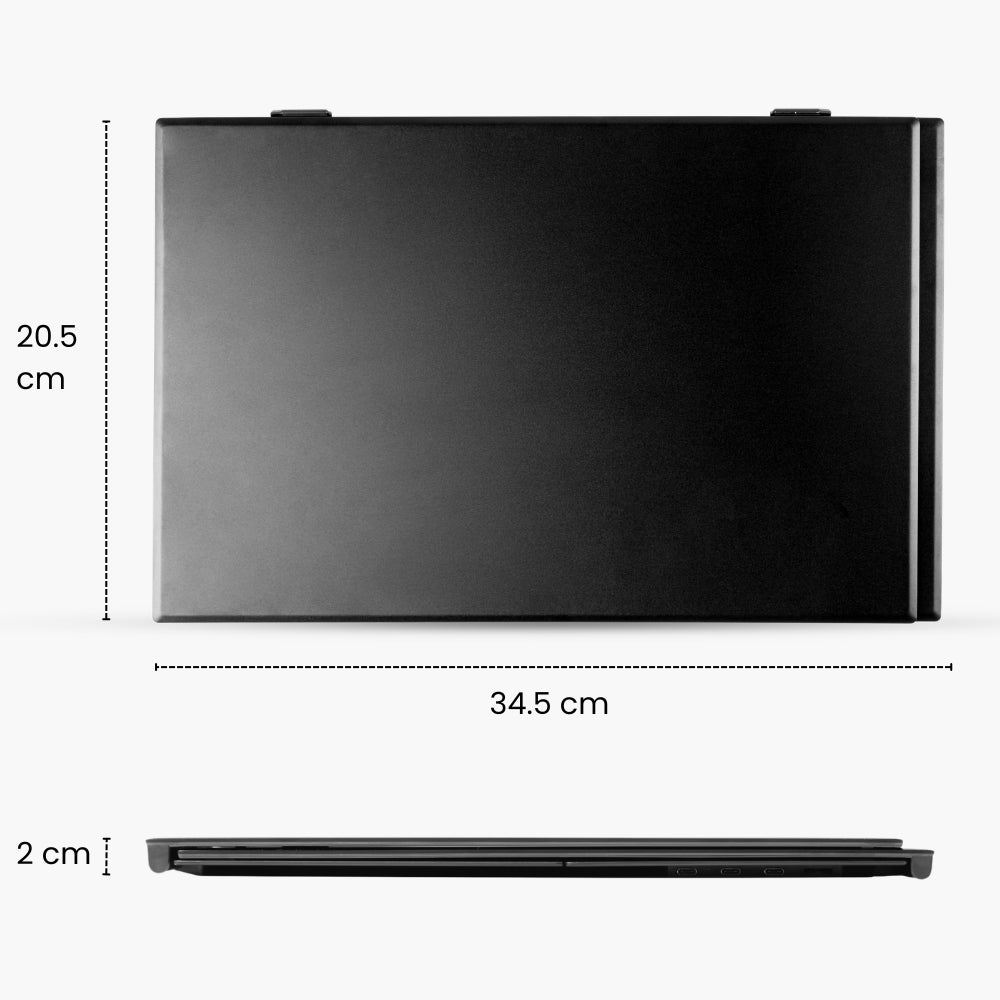
  • Size folded: 34.4 x 21.8 x 2.3 cm
  • Weight: 1 KG / 2.2 lbs

Fits on laptops from:

  • 13" to 17.3"
  • Maximum laptop screen thickness: 8mm

Specifications:

  • Resolution: 1920 x 1200
  • Displays size: 15.3" / Inch
  • Brightness: 300 cd/m (nits)
  • Refresh rate: 60Hz
  • Contrast ratio: 1000:1
  • Aspect ratio: 16:10
  • Colors: 16.7m
  • sRGB: 100%
  • Viewing angle: 178°
  • Screen type: LCD
  • Panel type: IPS
  • Built-in speaker
  • Ports:
  • Flex: 3x USB-C
  • Flex Pro: 2x USB-C
  • Size folded: 36.4 × 23.7 × 2.1 cm
  • Weight: 1.3 KG / 2.6 lbs

Fits on laptops from:

  • 15" to 17.3"
  • Maximum laptop screen thickness: 8mm

Blerron Flex - 14"/15.3"

  • 1x Blerron Flex
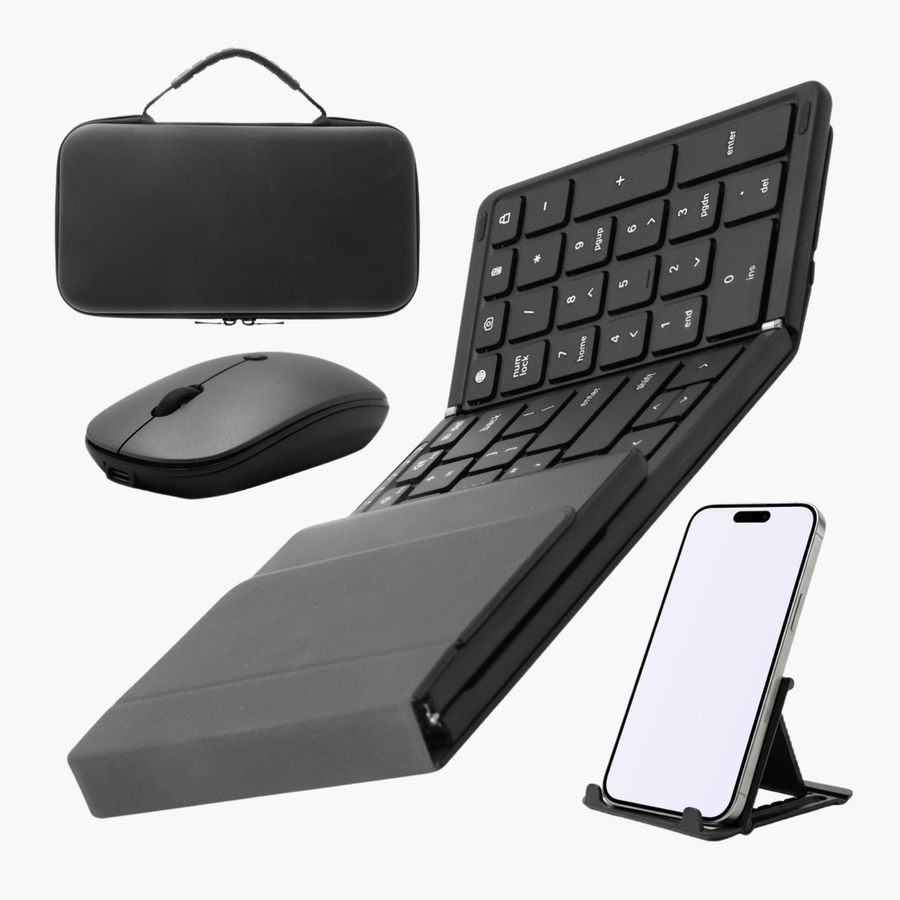
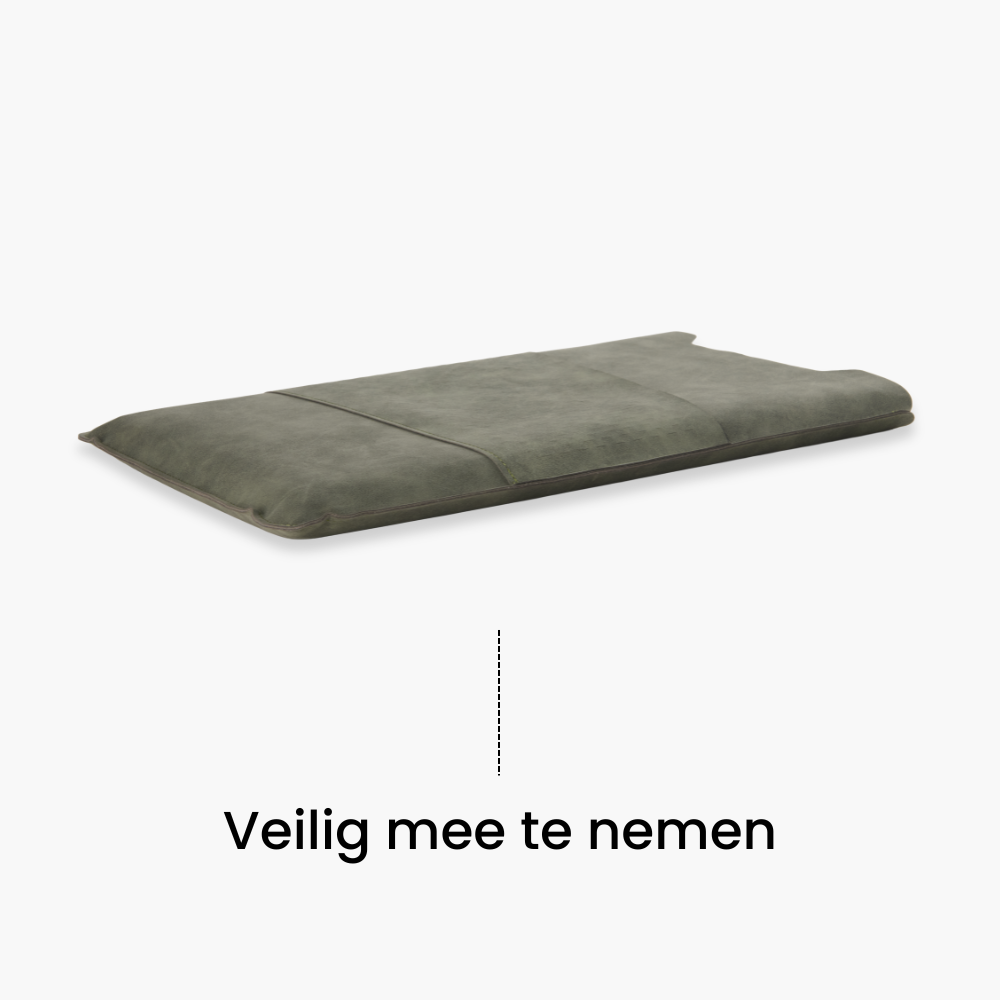
  • 1x Protective sleeve
  • 1x Mousepad
  • 2x USB-C to USB-C
  • 1x HDMI to USB-C
  • 1x USB-A to USB-C
  • 1x Adapter: USB-A/C to USB-C

Blerron Flex Pro - 14"/15.3"

  • 1x Blerron Flex Pro
  • 1x Protective sleeve
  • 1x Mousepad
  • 2x USB-C to USB-C
  • 1x USB-A to USB-C
  • 1x Power adapter

Frequently Asked Questions

How do I connect the monitors to my laptop?

The Blerron Flex / Flex Pro can be connected in multiple ways, depending on your device and available ports.

Click here to see the exact setup for your laptop and follow a step-by-step guide tailored to your device.

When will my order be delivered?

Shipping Policy

Orders are processed within 1 business day.
- NL / BE: Ordered before: 23.59, delivered tomorrow (Mon–Sat).
- EU: 2–5 business days.
- Worldwide: 5–10 business days.
We don’t deliver on Sundays.

You’ll receive tracking details once your order has shipped.

What if I change my mind after receiving my order?

You can return your order within 50 days of delivery. Once we receive your return, we’ll refund your payment within 14 days.

For returns, please contact us.

Do I need to install any software or drivers?

You can check here if your laptop needs a driver.

Can I connect it with my Surface?

Yes, you can connect it to a Surface.

It’s important to check which ports your Surface has and the screen size to ensure the Blerron Flex/Flex Pro fits and connects properly.

Click here to check compatibility and see exactly how to connect it to your device.

Can I connect it with my Chromebook?

Yes, it is possible to connect the Blerron Flex. The Blerron Flex Pro is not possible because the driver doesn't work with Chrome OS.

Click here to check how to connect it.

Can I connect it with Linux?

Yes, it is possible to connect the Blerron Flex or Flex Pro with Linux.

Click here to check how to connect it.

How do the monitors get power?

The monitors get power through the laptop. You can connect the monitors with a USB-C or USB-A cable.

You can also charge the laptop through the Blerron Flex. When you add the charging cable to the back of the Flex, it will passthrough the power to the laptop.

Are all cables and adapter included?

Yes all cables and the adapter is included!

Is the Protective Sleeve included?

Yes the protective sleeve is included with both the Blerron Flex and Flex Pro.

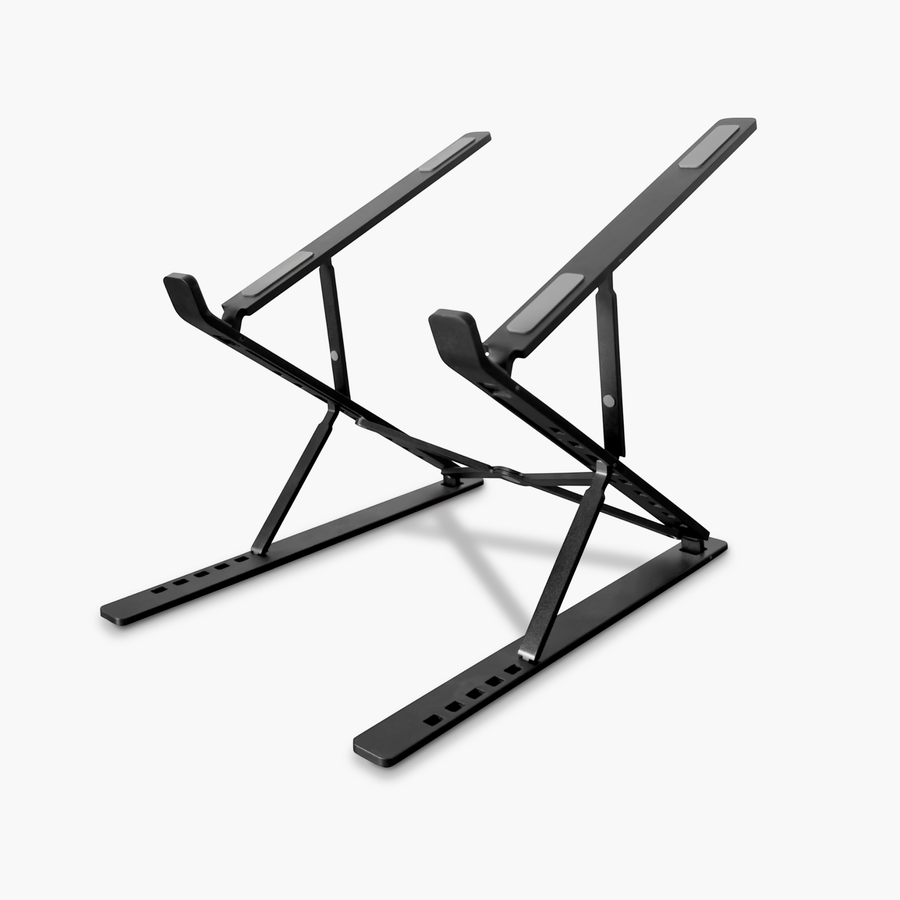
Is the Laptop Riser included?

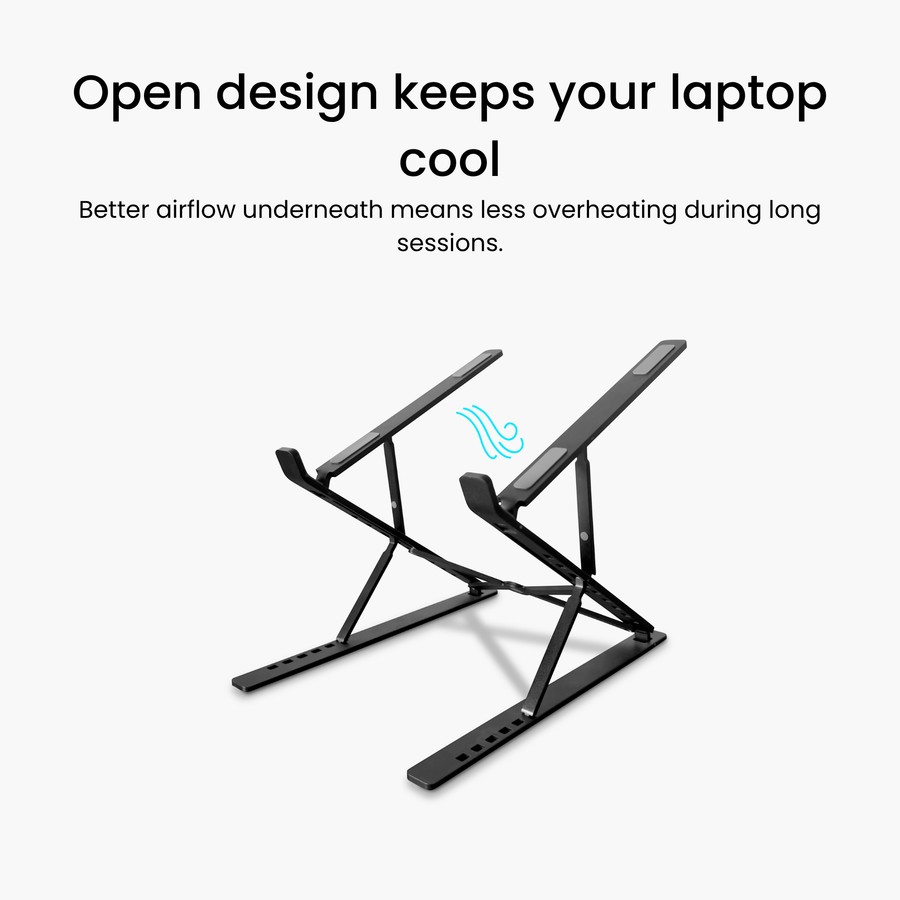
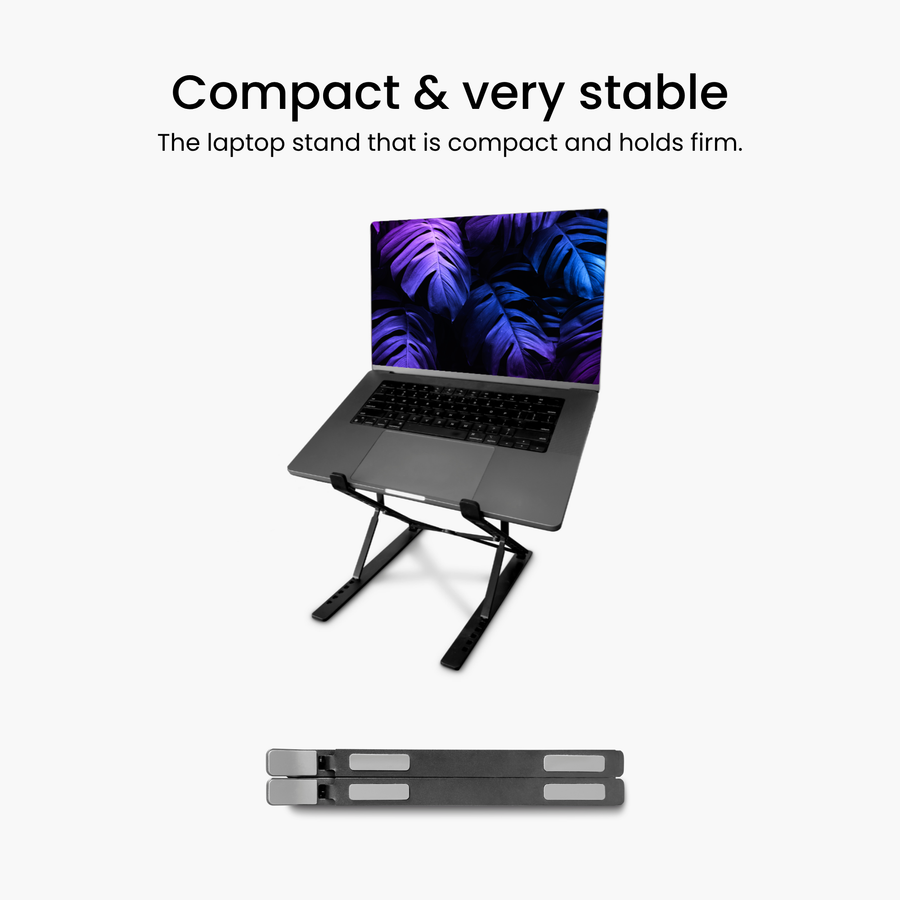
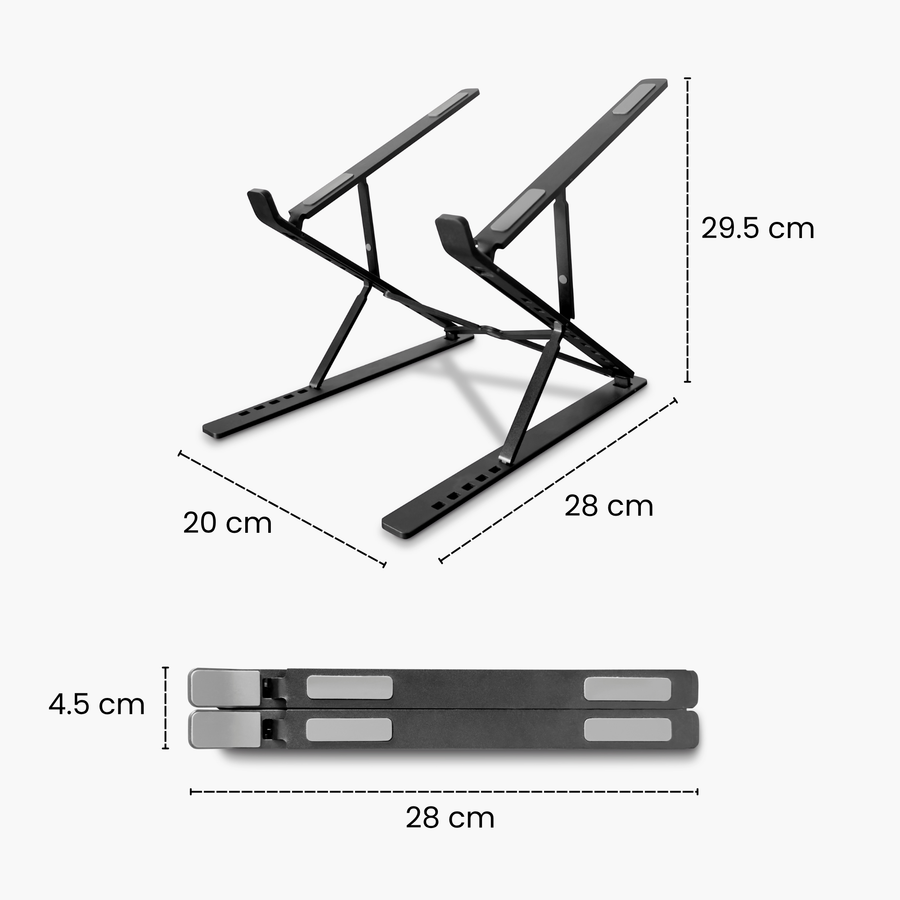
Yes the Laptop Riser is included with both the Blerron Flex and Flex Pro.

How to set up the Laptop Riser?

The Laptop Riser can be easily attached to the bottom of your laptop using the adhesive strip.

Click here to view the full step-by-step guide and see exactly how to install it correctly.

Can I adjust the height or tilt of the monitor?

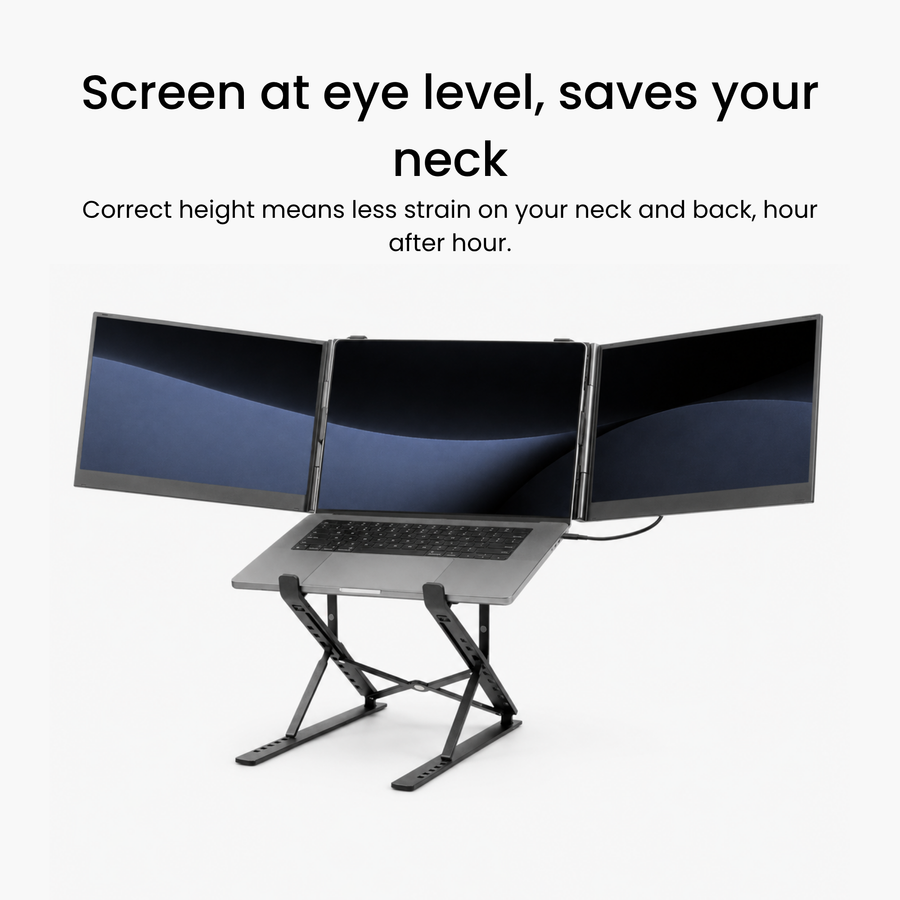
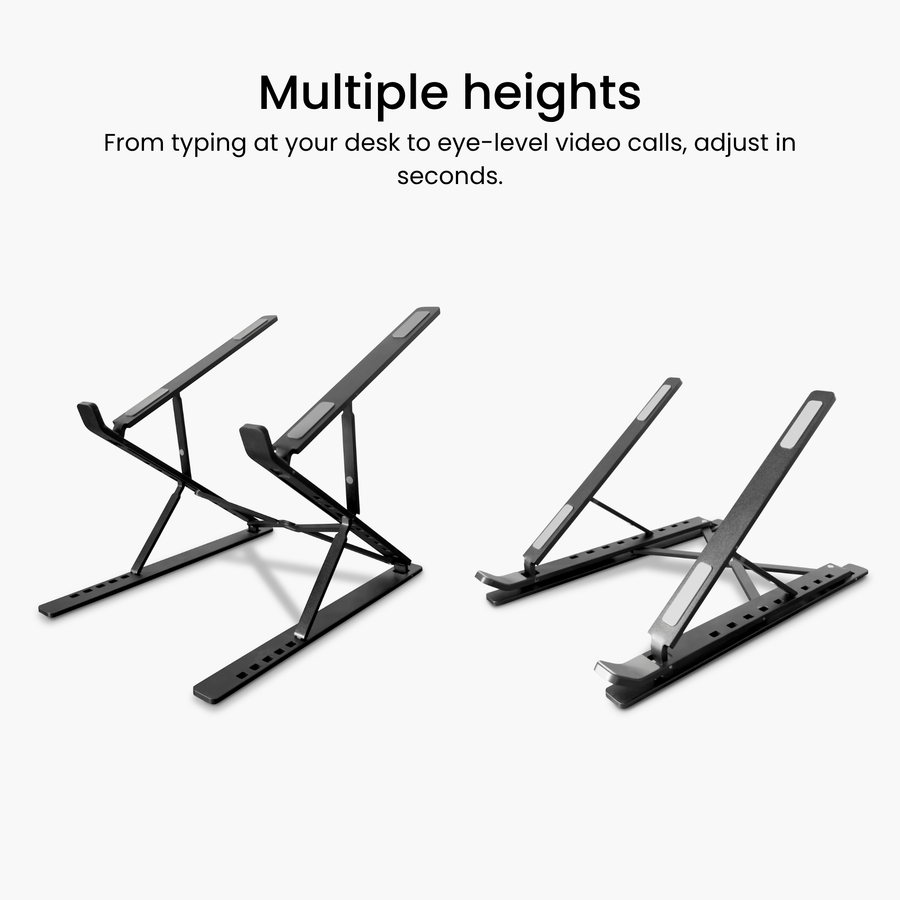
Yes, with the included foldable stand, you can slightly increase the height of the whole setup. Make sure the stand can reach the table or desk you work on to support the laptop.

Does it fit on my laptop?

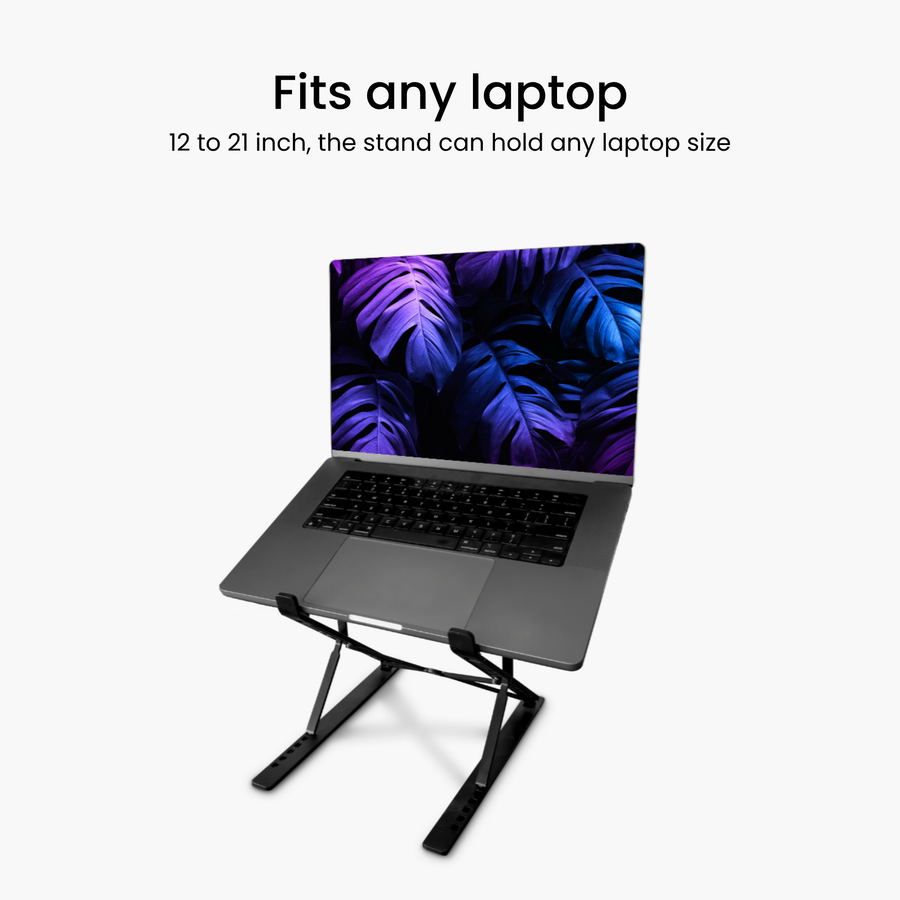
The Blerron Flex/Flex Pro 14" is compatible with laptops from 13" to 17.3",

while the 15.3" model fits laptops from 15" to 17.3".

How do I position the screens correctly or stop them from mirroring?

Adjust this in your laptop settings.

Change your display setup here, or click here to see step-by-step how to configure your screen settings.

How do I change brightness, colors, sharpness and other settings?

To adjust brightness, colors, sharpness, and other settings, use the built-in menu on your Blerron display.

Click here to learn how to navigate through the menu and change your settings step by step.

Does it support pass-through charging?

Yes. You can power the Blerron Flex / Flex Pro while simultaneously charging your laptop using your own charger.