
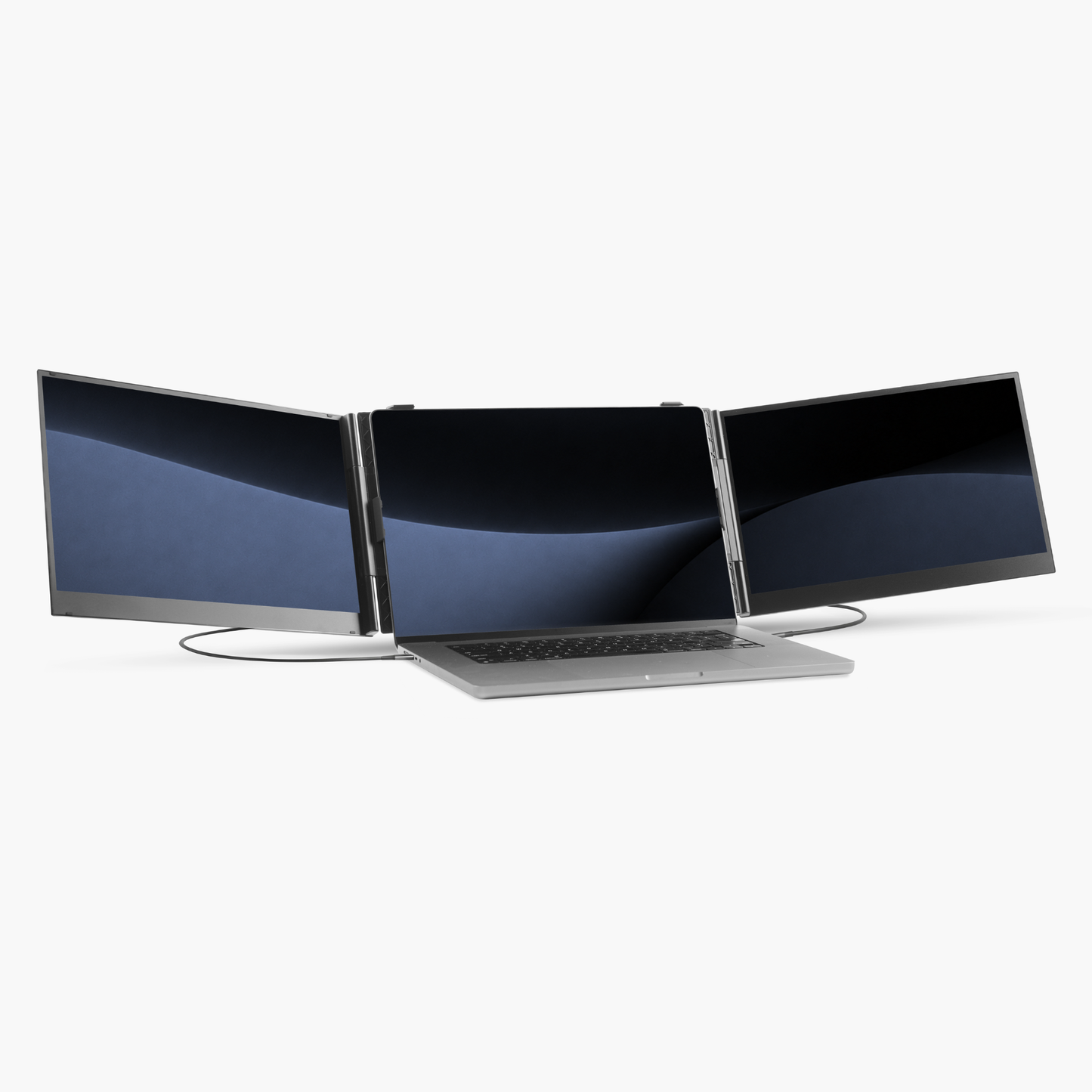
Your laptop has only 1 USB-C port that supports video and power (Thunderbolt 3/4/5, DisplayPort Alt Mode & USB4).
This is how you can connect:
- 1x HDMI to USB-C
- 1x USB-C to USB-C

USB-C ports that support video and power (Thunderbolt 3/4/5, DisplayPort Alt Mode & USB4).
NOTE: Your Windows laptop needs at least 1 USB-C port that supports video and power and 1 HDMI port.
USB-C has no symbol? Contact us:
Your laptop has only 1 USB-C port that supports video and power (Thunderbolt 3/4/5, DisplayPort Alt Mode & USB4).
This is how you can connect:

Note
Extra 1× USB-C/A to USB-C cable in case the screens don’t receive enough power and if you want to boost the brightness to 100%


How to set up the Blerron Flex / Flex Pro:
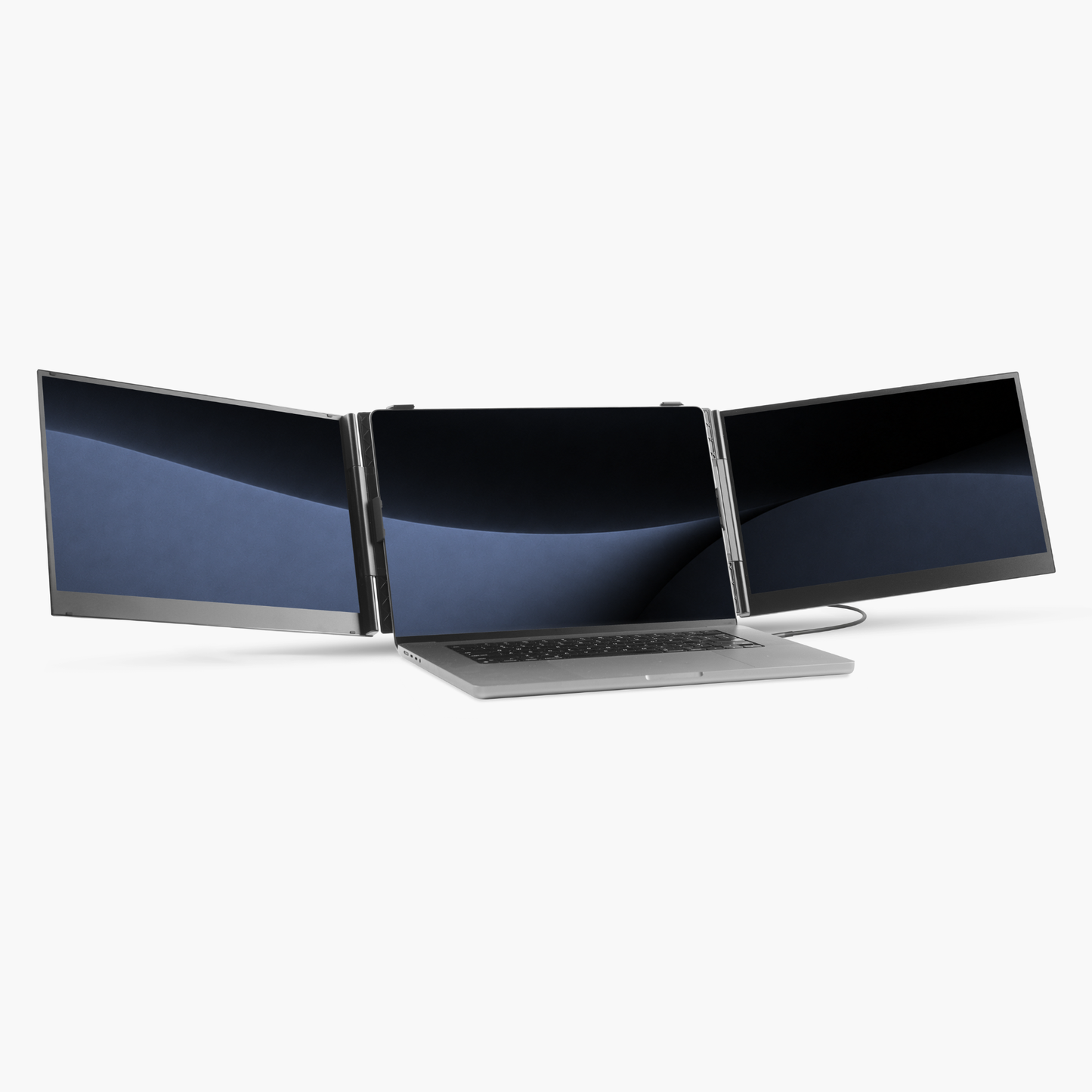
Your laptop has 2 USB-C ports that supports video and power (Thunderbolt 3/4/5, DisplayPort Alt Mode & USB4).
This is how you can connect:

How to set up the Blerron Flex / Flex Pro:
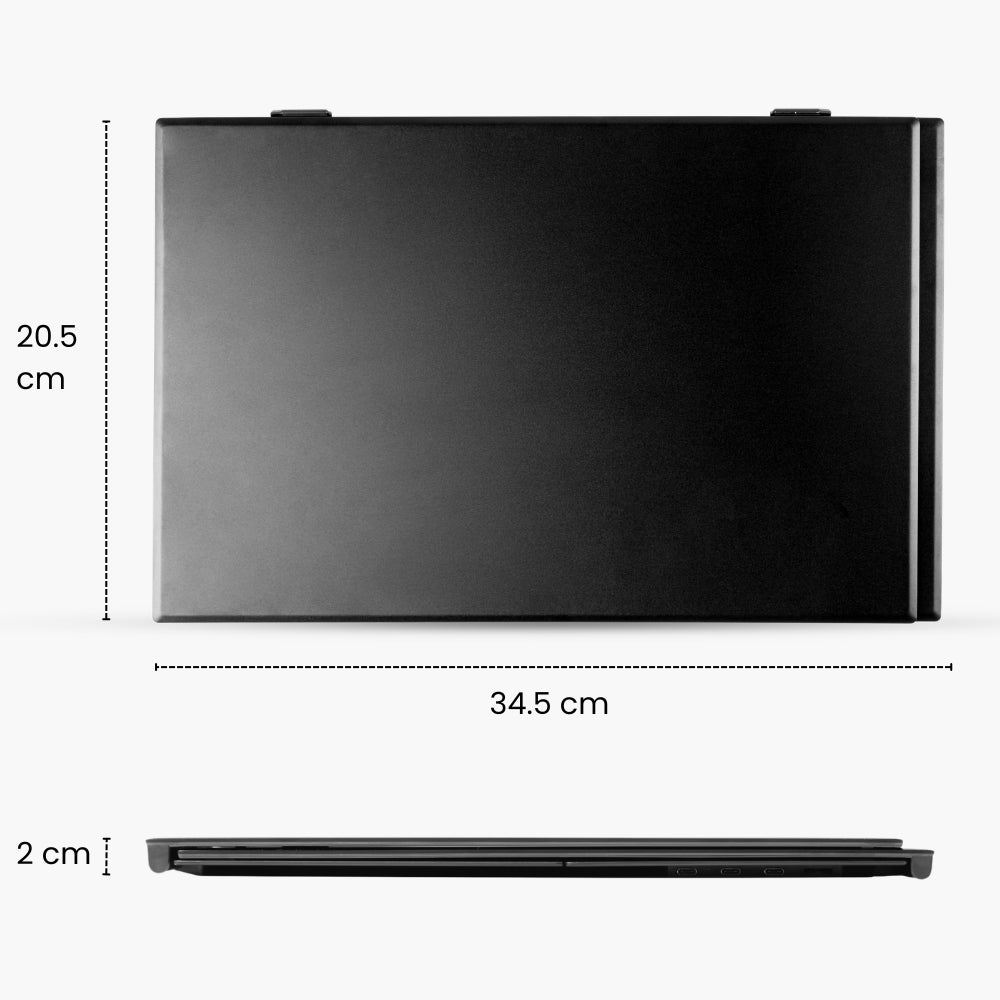
Specifications:
Fits on laptops from:

Specifications:
Fits on laptops from:

Blerron Flex - 14"/15.3"
Blerron Flex Pro - 14"/15.3"

Blerron Flex
Blerron Flex
1920 x 1080
Resolution
1920 x 1200
14"
Screens size
15.3"
13" - 17.3"
Fits laptops from
15" - 17.3"
1 KG
Weight
1.3 KG
76%
sRGB
100%
16:9
Aspect ratio
16:10
300 nits
Brightness
300 nits
60 Hz
Refresh rate
60 Hz
Flex
vs
Flex Pro
No
Driver
Yes
2
Cables
1










We are located in the Netherlands and ship all our orders directly from here and have a dedicated European customer service team.

Free shipping
Enjoy free shipping on all orders over €75

Try Blerron risk free for 50 days. Return it easily for a full refund if you're not satisfied. See guarantee details.

Pay later with Klarna
Choose to split your payments in installments with Klarna or pay by Apple Pay, Card, Google Pay, iDEAL, PayPal, or Revolut Pay.
We are located in the Netherlands and ship all our orders directly from here and have a dedicated European customer service team.
Free shipping
Enjoy free shipping on all orders over €75
Try Blerron risk free for 50 days. Return it easily for a full refund if you're not satisfied. See guarantee details.
Pay later with Klarna
Choose to split your payments in installments with Klarna or pay by Apple Pay, Card, Google Pay, iDEAL, PayPal, or Revolut Pay.


