
Cables needed (all cables included):
- 1x USB-C to USB-C
- One time driver installation, check driver section.
Cables needed (all cables included):

Note
To boost brightness to 100%, connect an additional USB-C or USB-A cable from your laptop or an external power source.


To enable multiple screens, we use a chipset and driver from Silicon Motion, a publicly listed technology company whose technology is used by major brands like Dell, HP, Lenovo, and Samsung. The driver is safe, widely used, and does not interfere with your system.
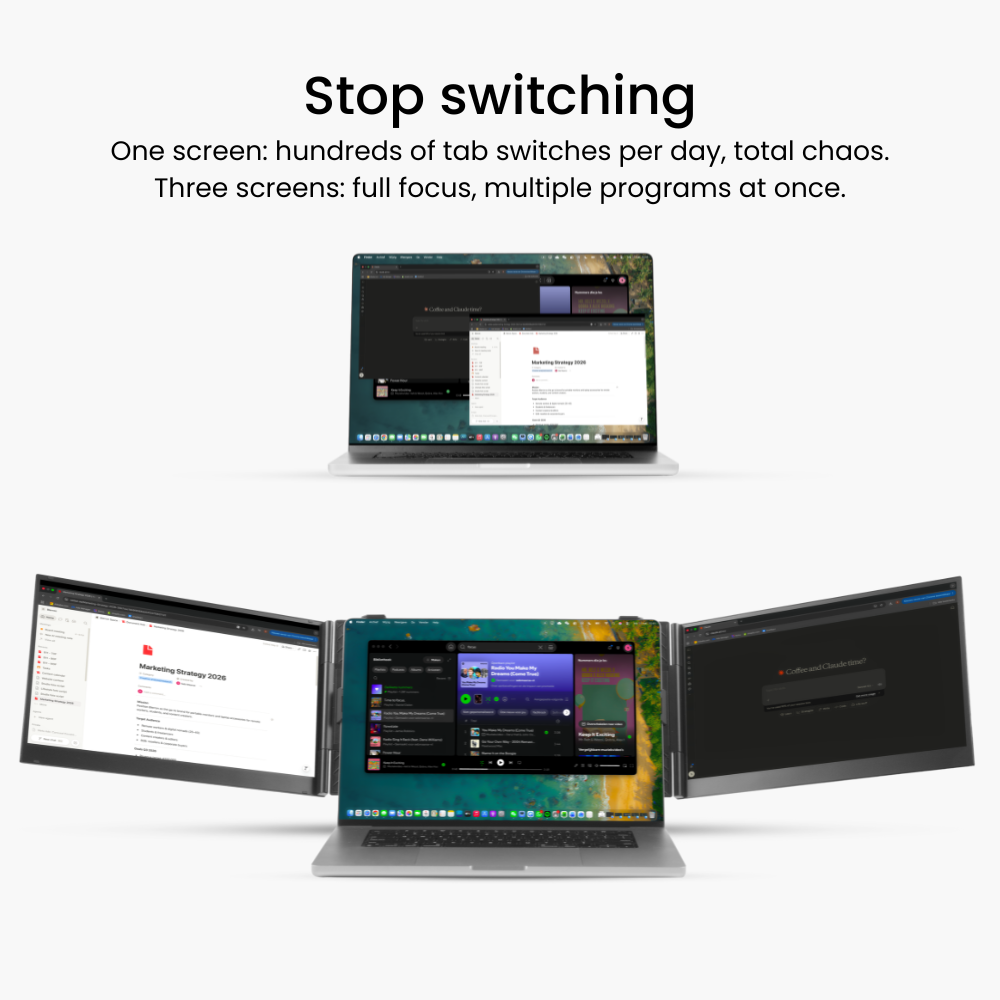
After a one-time installation, you can easily use multiple screens simultaneously.
Check installation below:
The Silicon Motion driver runs in the background as a display service. It captures the visual output from your system, compresses it, and sends it over USB to external screens, where it is rendered again.
It does not read, store, or transmit personal files or user data. It only processes pixel data (the same image your GPU would normally send through HDMI or DisplayPort). Official versions are digitally signed and approved by Windows/macOS, which prevents tampering.
Because it operates purely on display output and within the OS security framework, it does not pose a privacy or data theft risk when installed from a trusted source.
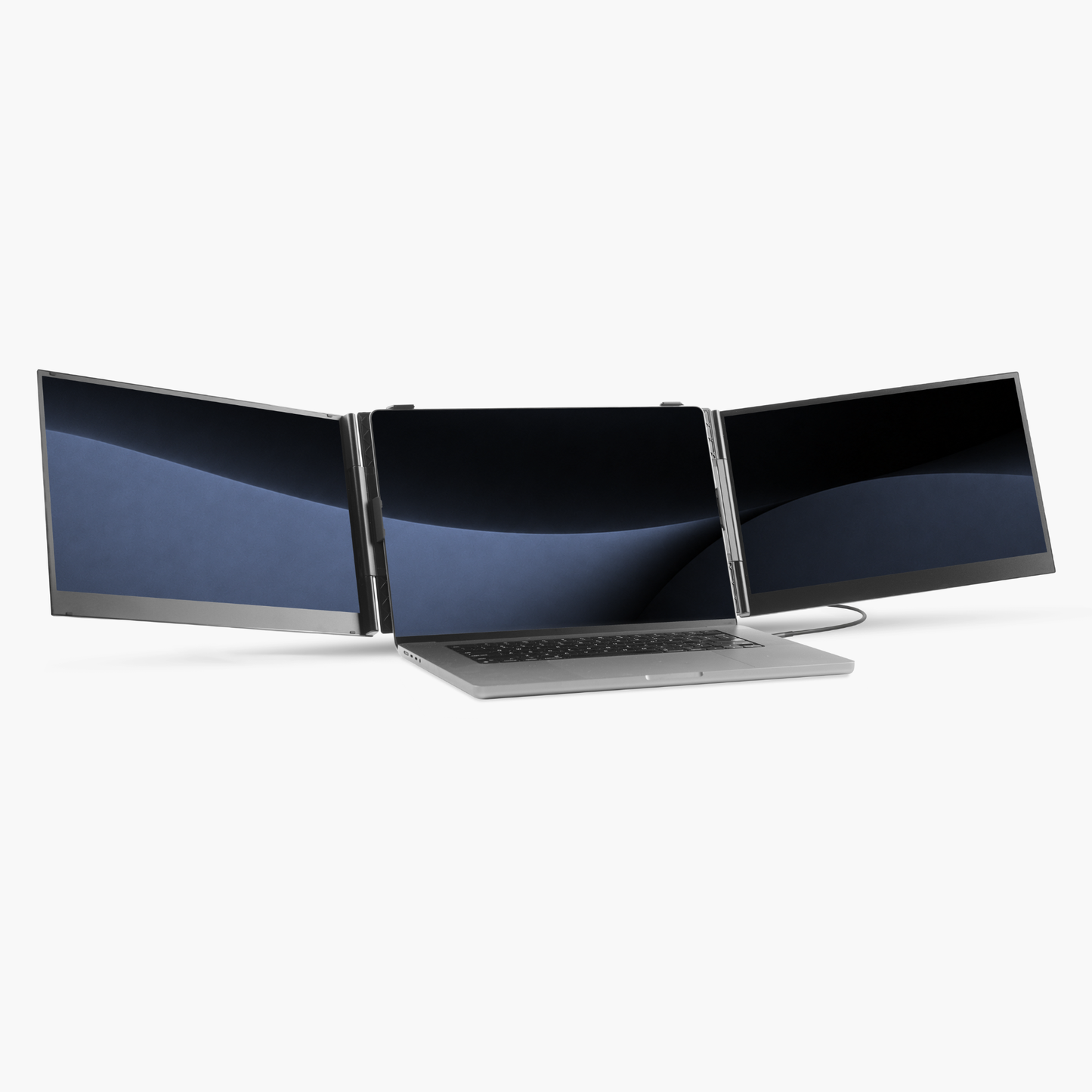
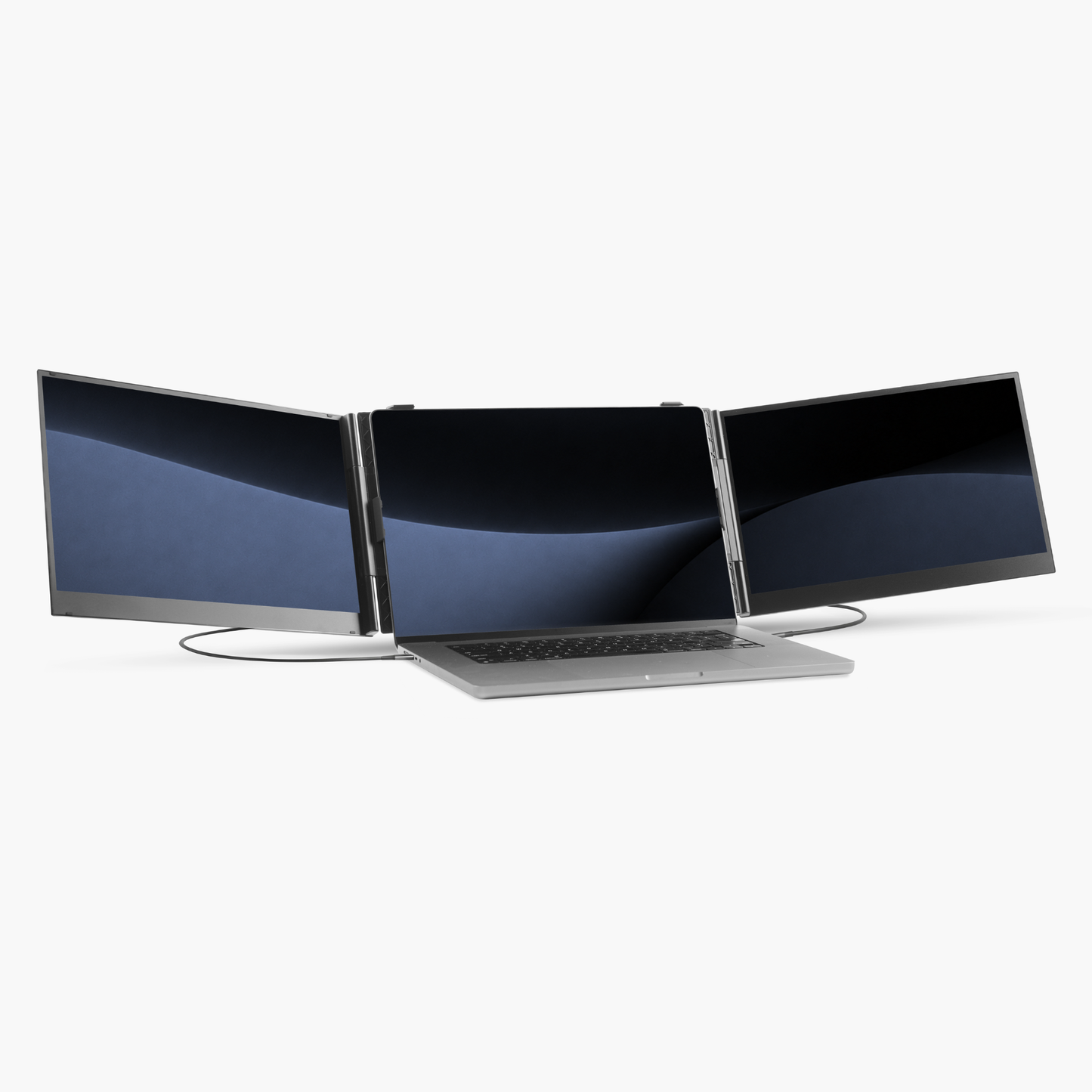
How to set up the Blerron Flex / Flex Pro:
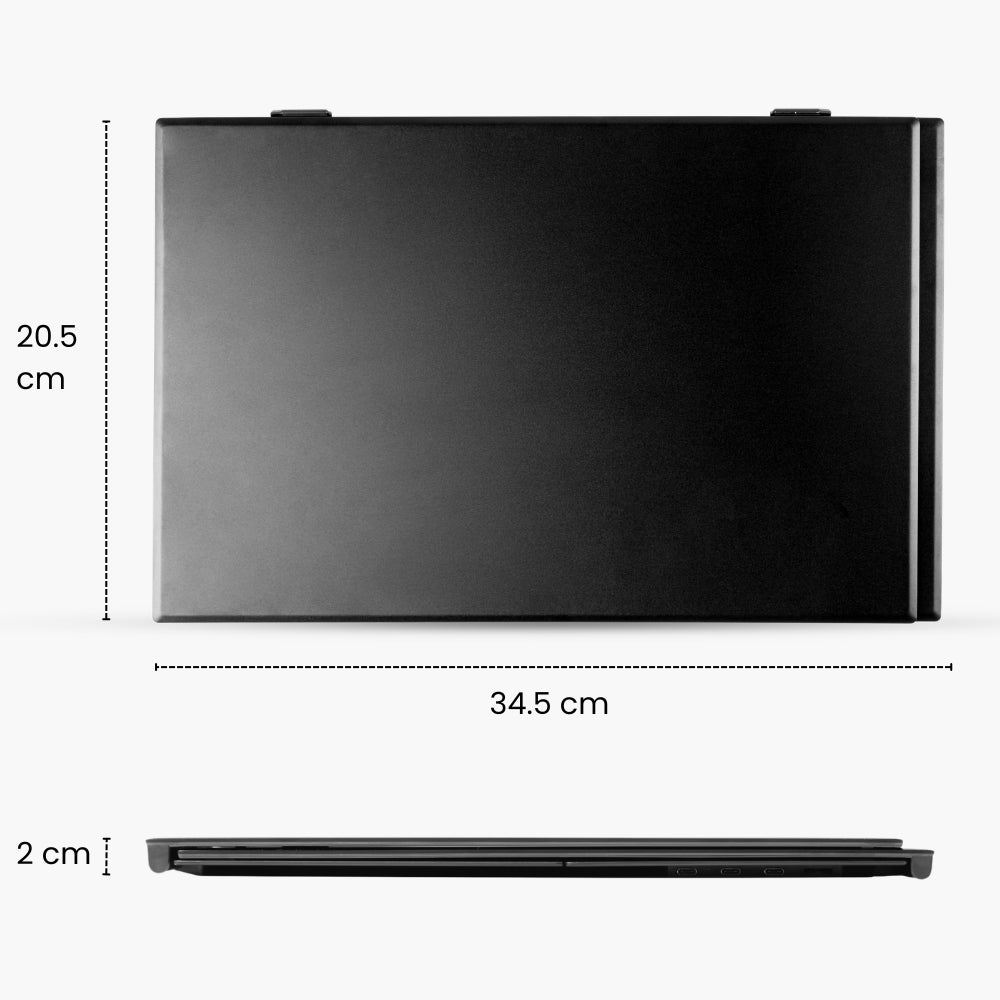
Specifications:
Fits on laptops from:

Specifications:
Fits on laptops from:

Blerron Flex - 14"/15.3"
Blerron Flex Pro - 14"/15.3"

Blerron Flex
Blerron Flex
1920 x 1080
Resolution
1920 x 1200
14"
Screens size
15.3"
13" - 17.3"
Fits laptops from
15" - 17.3"
1 KG
Weight
1.3 KG
76%
sRGB
100%
16:9
Aspect ratio
16:10
300 nits
Brightness
300 nits
60 Hz
Refresh rate
60 Hz
Flex
vs
Flex Pro
Yes
Driver
Yes
2
Cables
1










We are located in the Netherlands and ship all our orders directly from here and have a dedicated European customer service team.

Free shipping
Enjoy free shipping on all orders over €75

Try Blerron risk free for 50 days. Return it easily for a full refund if you're not satisfied. See guarantee details.

Pay later with Klarna
Choose to split your payments in installments with Klarna or pay by Apple Pay, Card, Google Pay, iDEAL, PayPal, or Revolut Pay.
We are located in the Netherlands and ship all our orders directly from here and have a dedicated European customer service team.
Free shipping
Enjoy free shipping on all orders over €75
Try Blerron risk free for 50 days. Return it easily for a full refund if you're not satisfied. See guarantee details.
Pay later with Klarna
Choose to split your payments in installments with Klarna or pay by Apple Pay, Card, Google Pay, iDEAL, PayPal, or Revolut Pay.


