
Read below. Note there's always a driver necessary.
If you have questions, make sure to reach contact us!

Option 1:
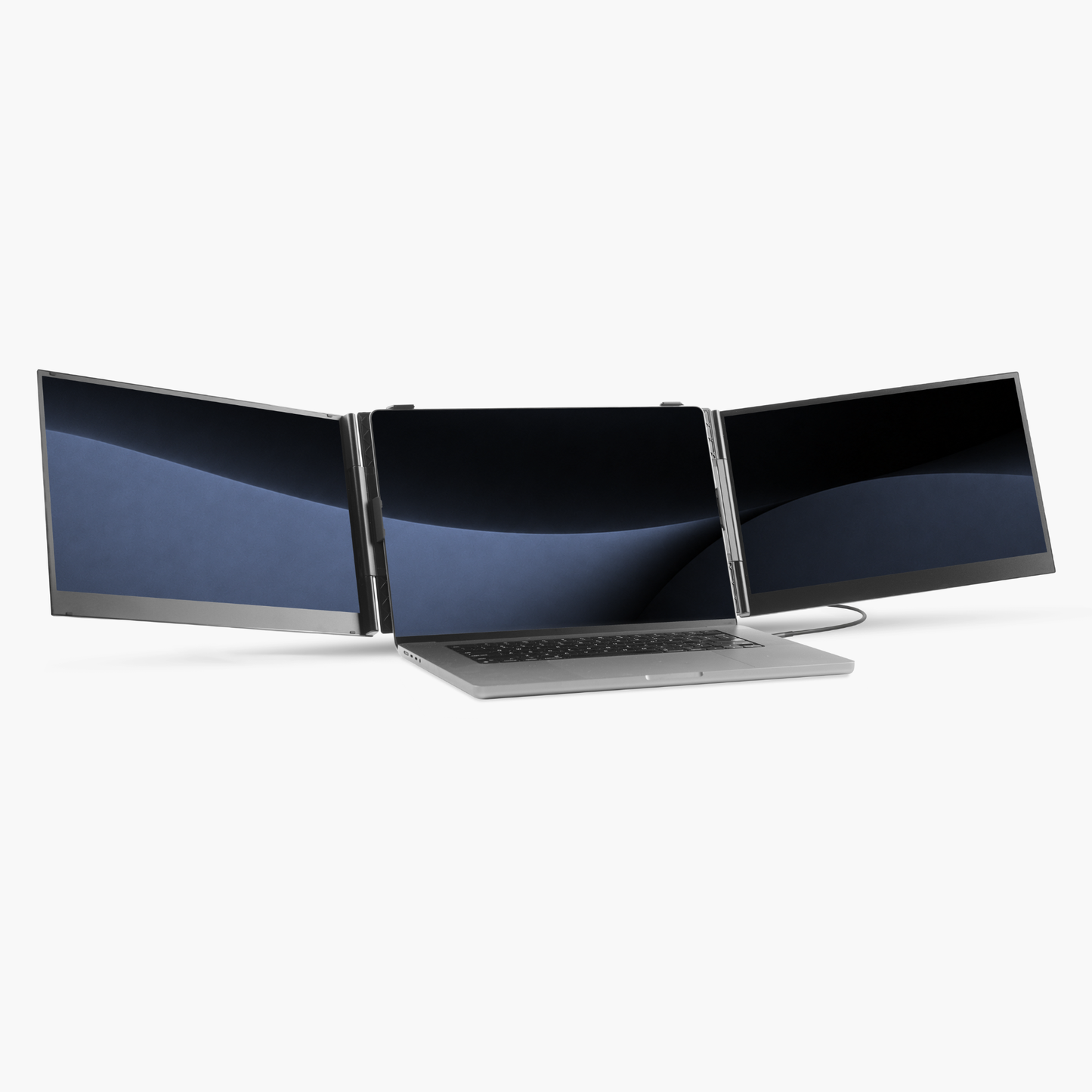
➡️ One USB-C cable is sufficient for both display and power.

Option 2:
Use this option if:
Scenario A – No USB-C port
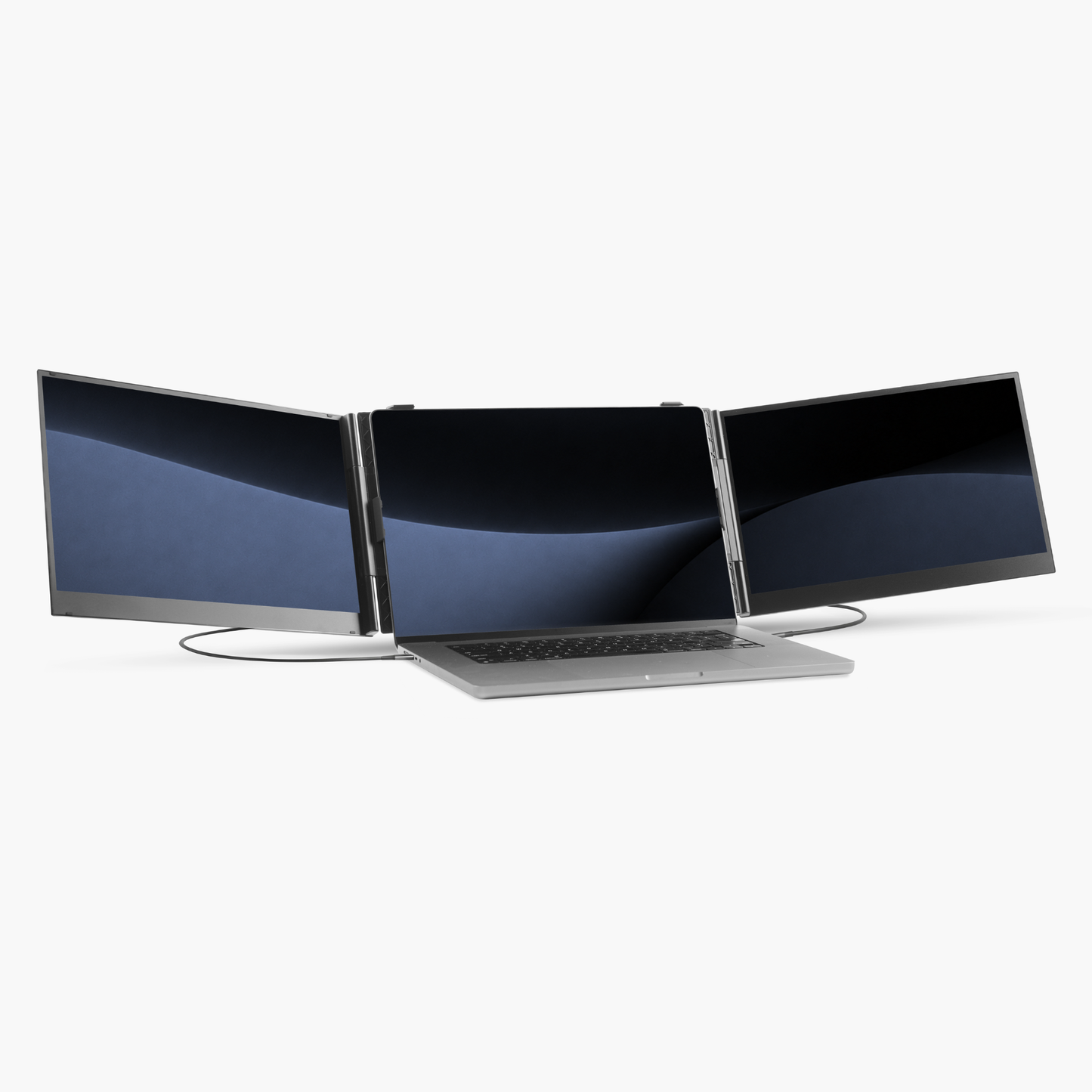
➡️ Use 2× USB-A cables for display and power.
Scenario B – USB-C port provides insufficient power
➡️ Connect an additional USB-C or USB-A cable to supply enough power.







We are located in the Netherlands and ship all our orders directly from here and have a dedicated European customer service team.

Free shipping
Enjoy free shipping on all orders over €75

Try Blerron risk free for 50 days. Return it easily for a full refund if you're not satisfied. See guarantee details.

Pay later with Klarna
Choose to split your payments in installments with Klarna or pay by Apple Pay, Card, Google Pay, iDEAL, PayPal, or Revolut Pay.
We are located in the Netherlands and ship all our orders directly from here and have a dedicated European customer service team.
Free shipping
Enjoy free shipping on all orders over €75
Try Blerron risk free for 50 days. Return it easily for a full refund if you're not satisfied. See guarantee details.
Pay later with Klarna
Choose to split your payments in installments with Klarna or pay by Apple Pay, Card, Google Pay, iDEAL, PayPal, or Revolut Pay.
